If your custom font isn’t already in .woff or .woff2 format, you’ll need to convert it before uploading to your website. Here’s how:
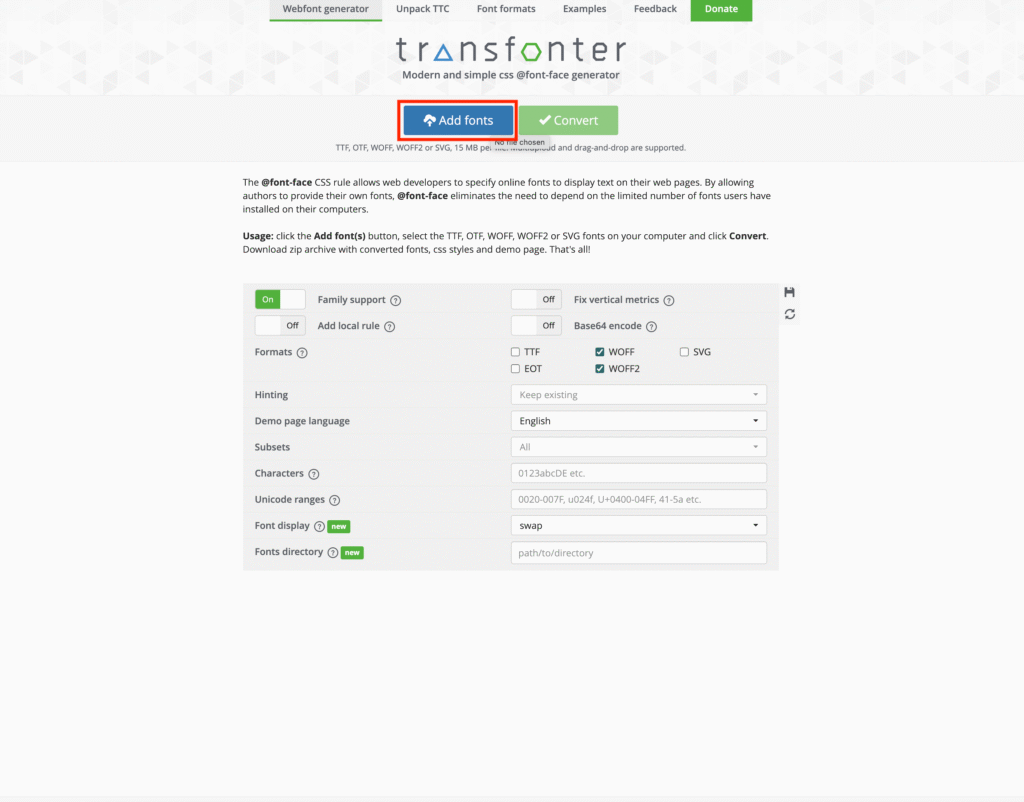
Open transfonter.org in your browser.
- Click Add Fonts.
- Select your .otf or .ttf font file from your computer and upload it.
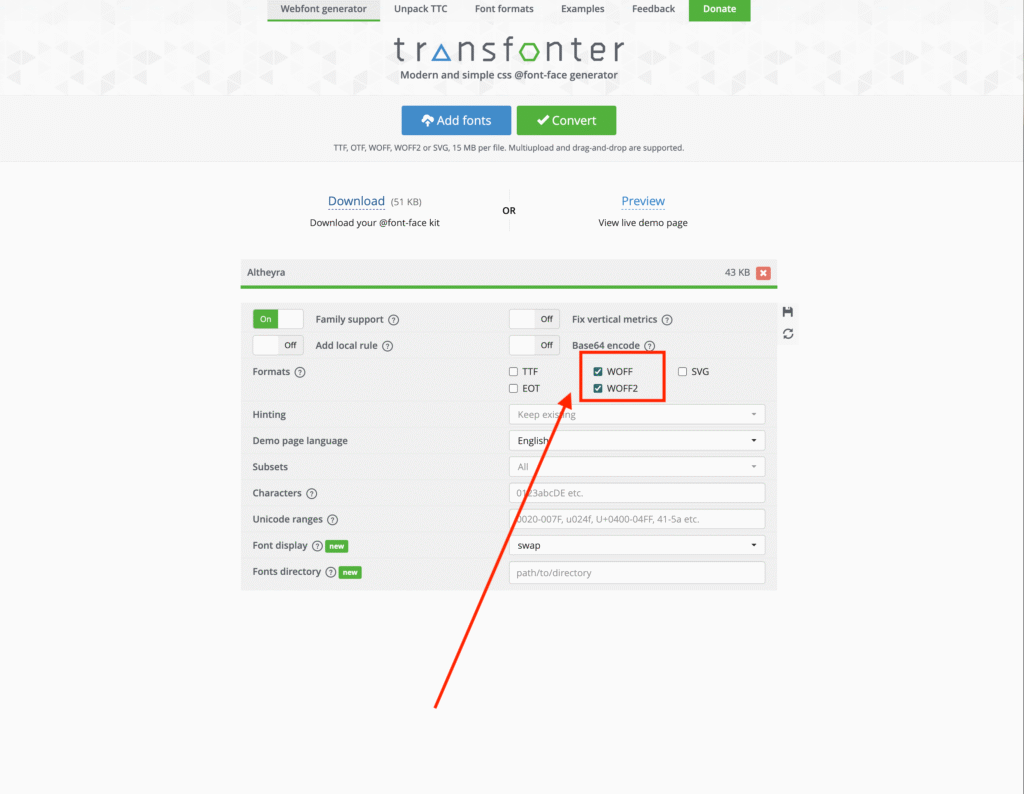
• Make sure both WOFF and WOFF2 are selected.
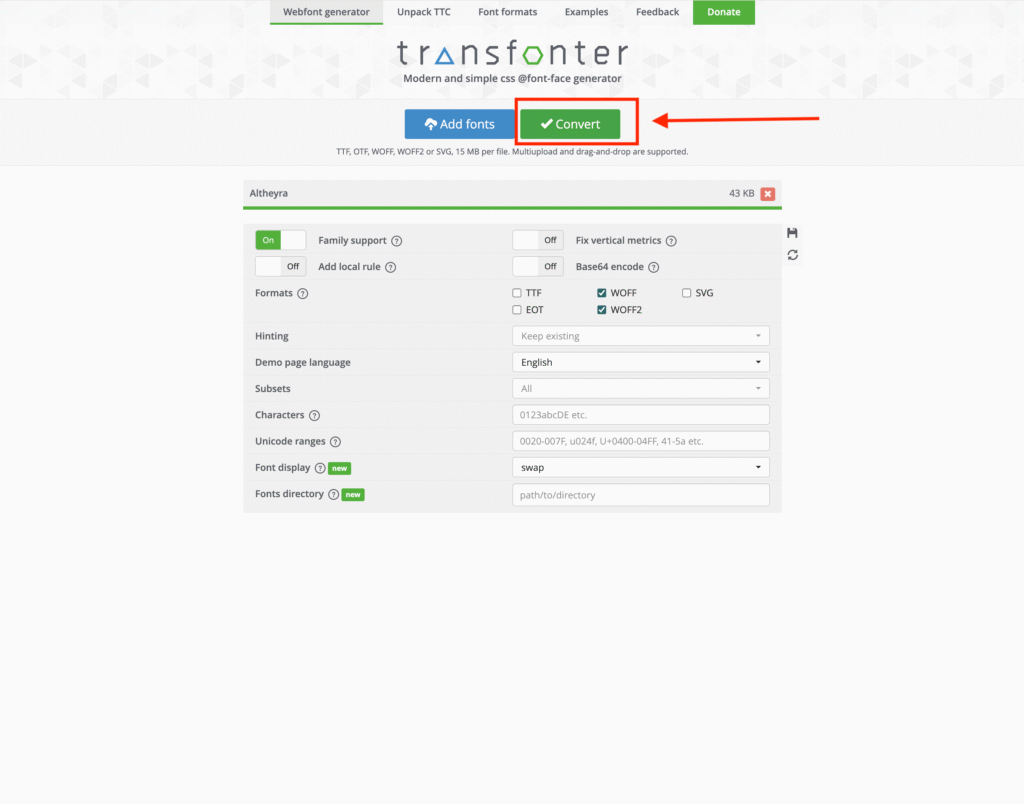
• Click Convert.
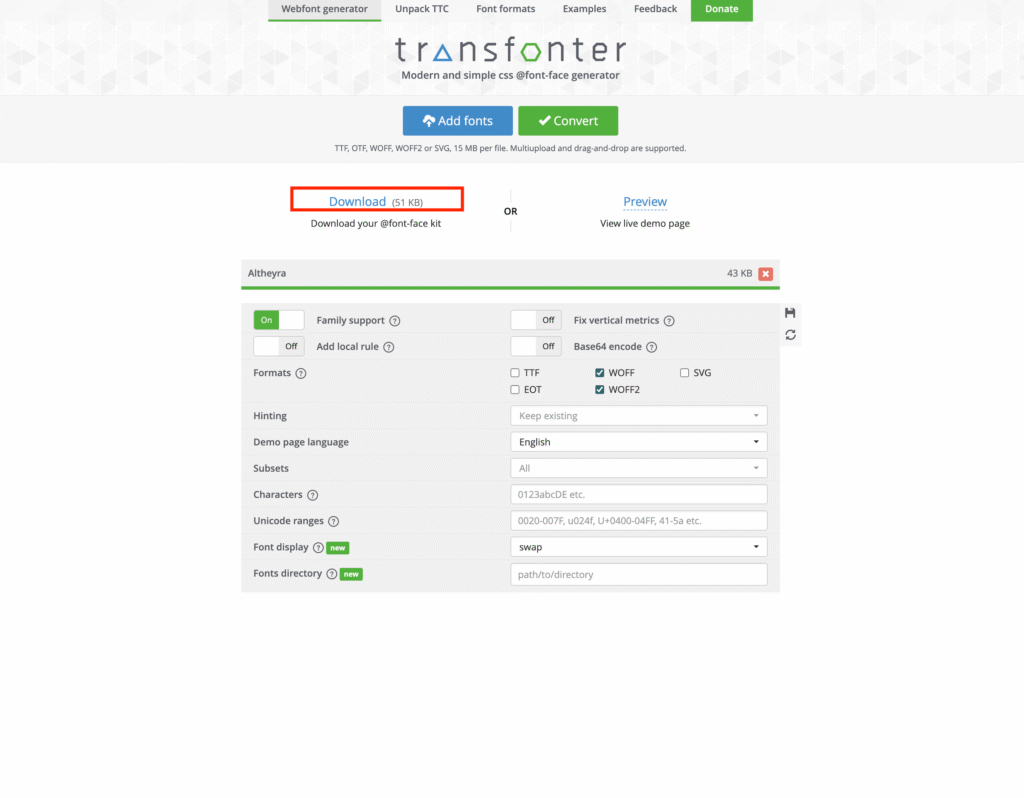
• Once the conversion finishes, click Download.
• You’ll receive a .zip file containing your converted .woff and .woff2 files.
• Extract the files to access them — now they’re ready to upload to your website.
Click here to learn how to upload custom fonts to your website for Kadence Theme and Here for Elementor.