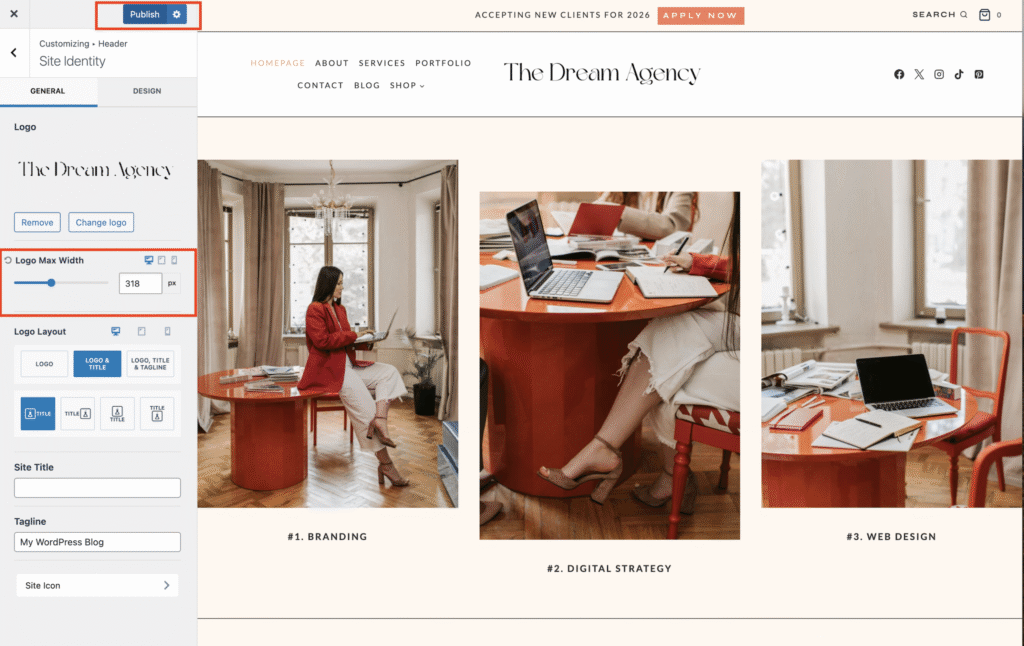
Changing The Logo :
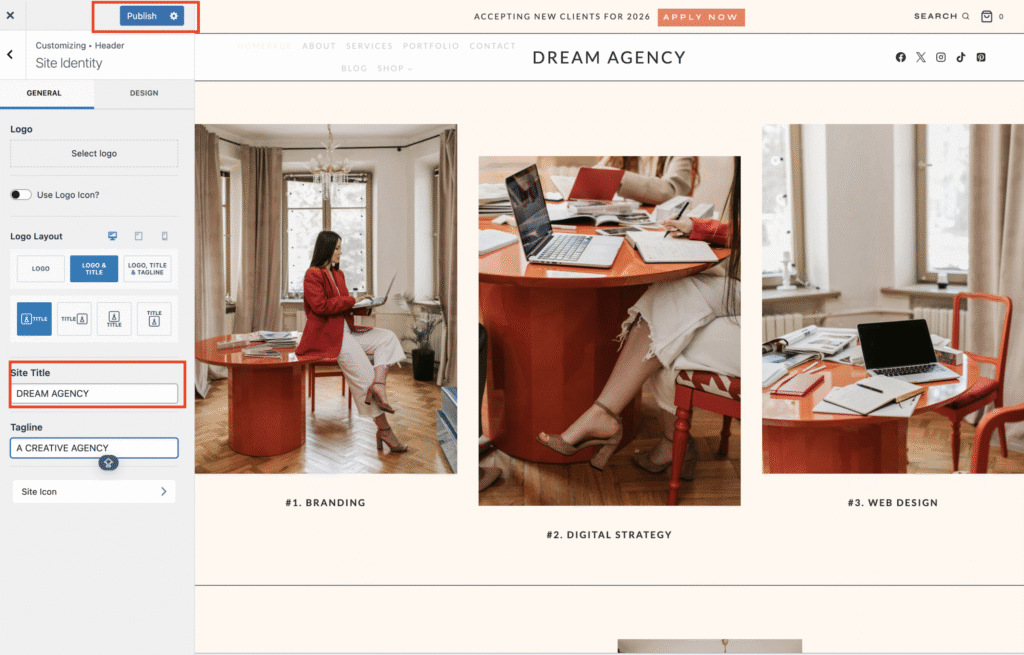
Vanha Koti Themes uses a text-based logo by default — this keeps your site lightweight and ensures your brand name displays crisply on all devices. If you want to keep the text-based logo:
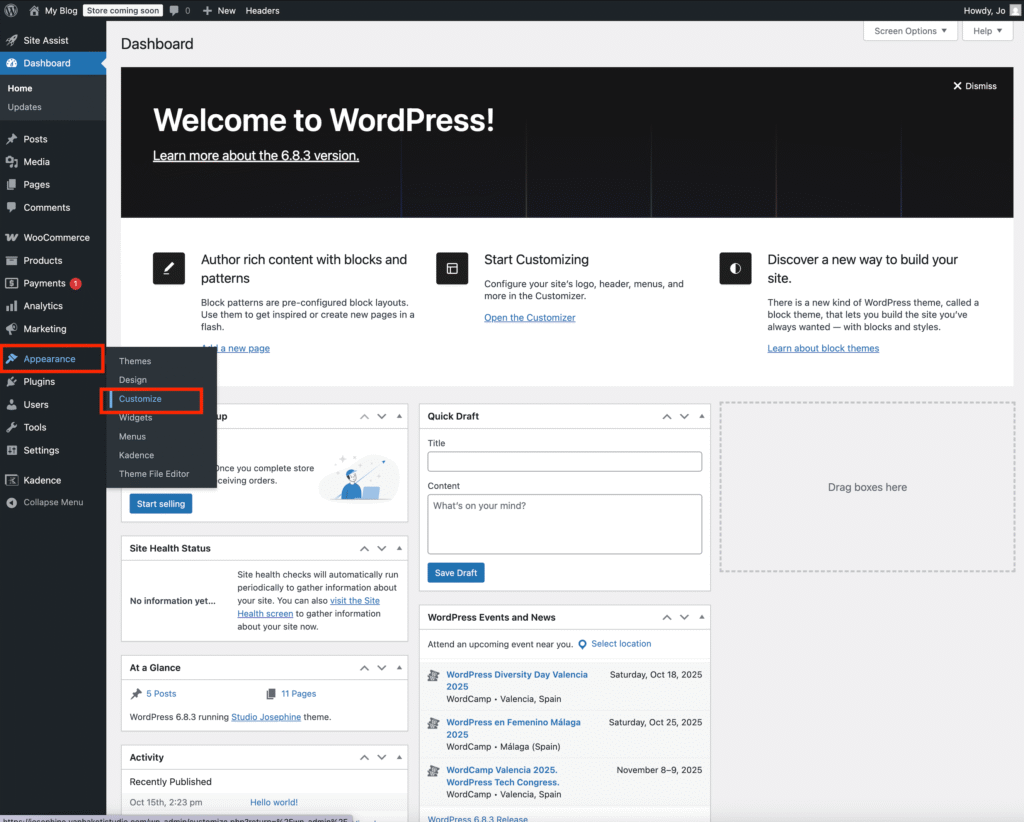
From your WordPress Dashboard, go to Appearance → Customize.
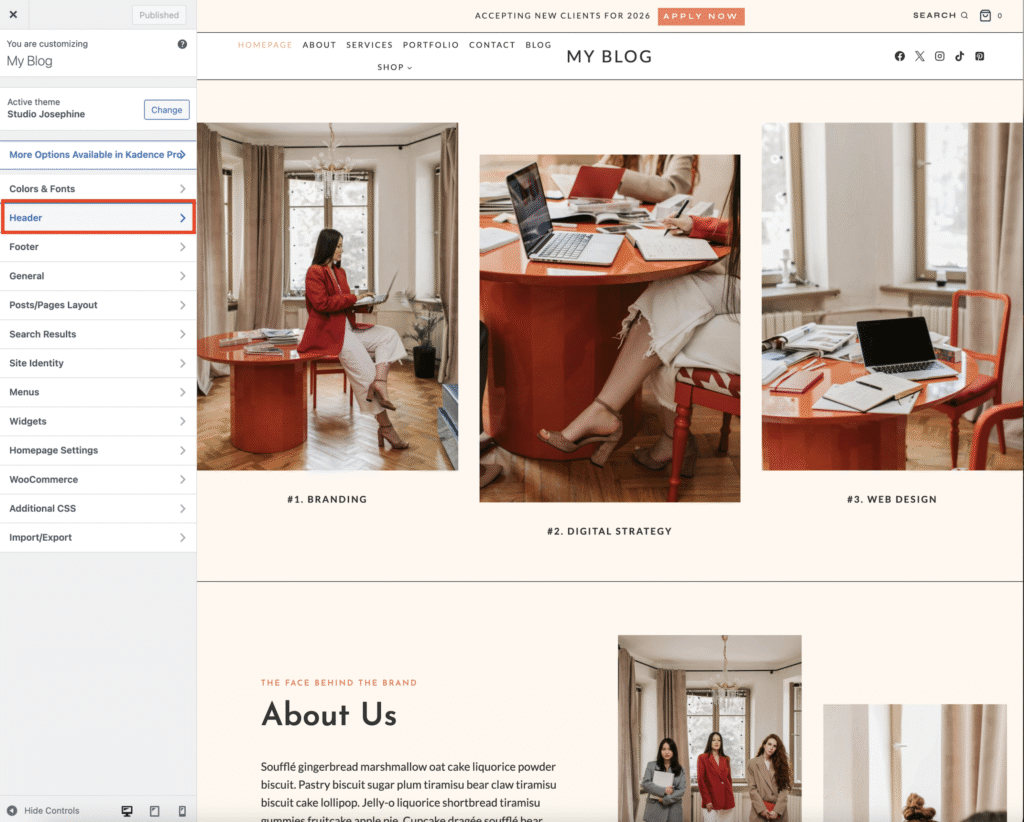
Navigate to Header → Logo
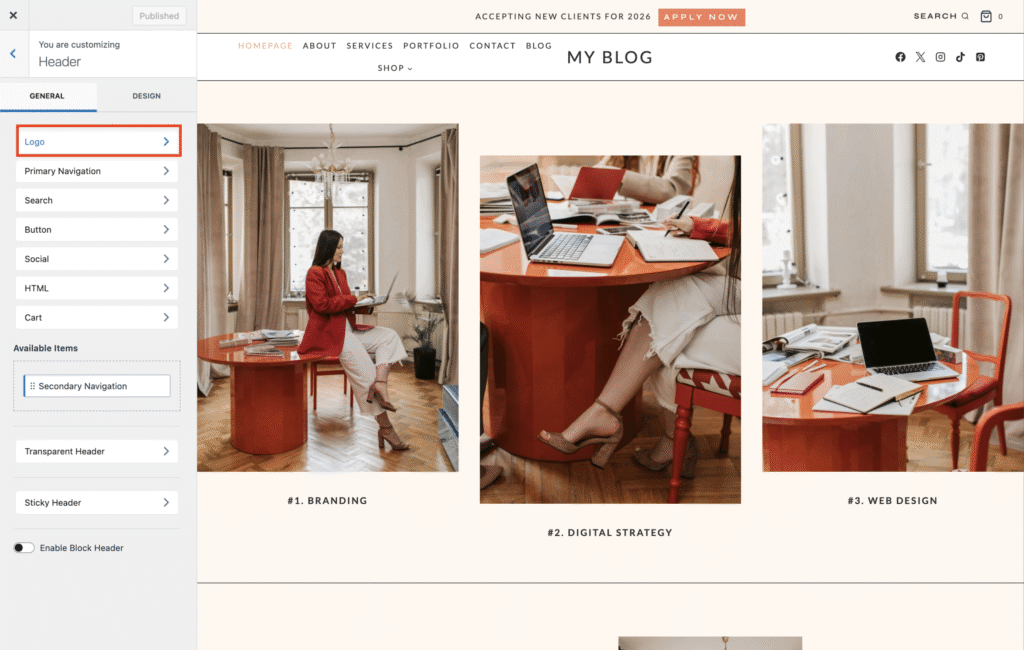
You’ll see a text field where your current site title appears — simply replace it with your business or blog name and click publish to save your changes.
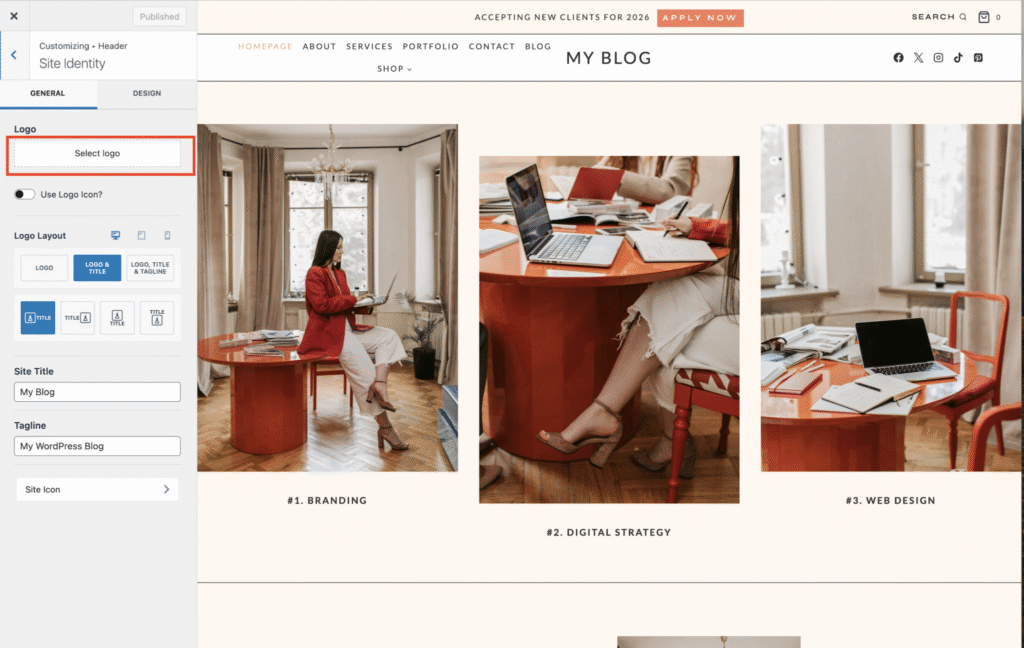
If you have a custom designed logo image:
Still in the Customizer, Select Logo.
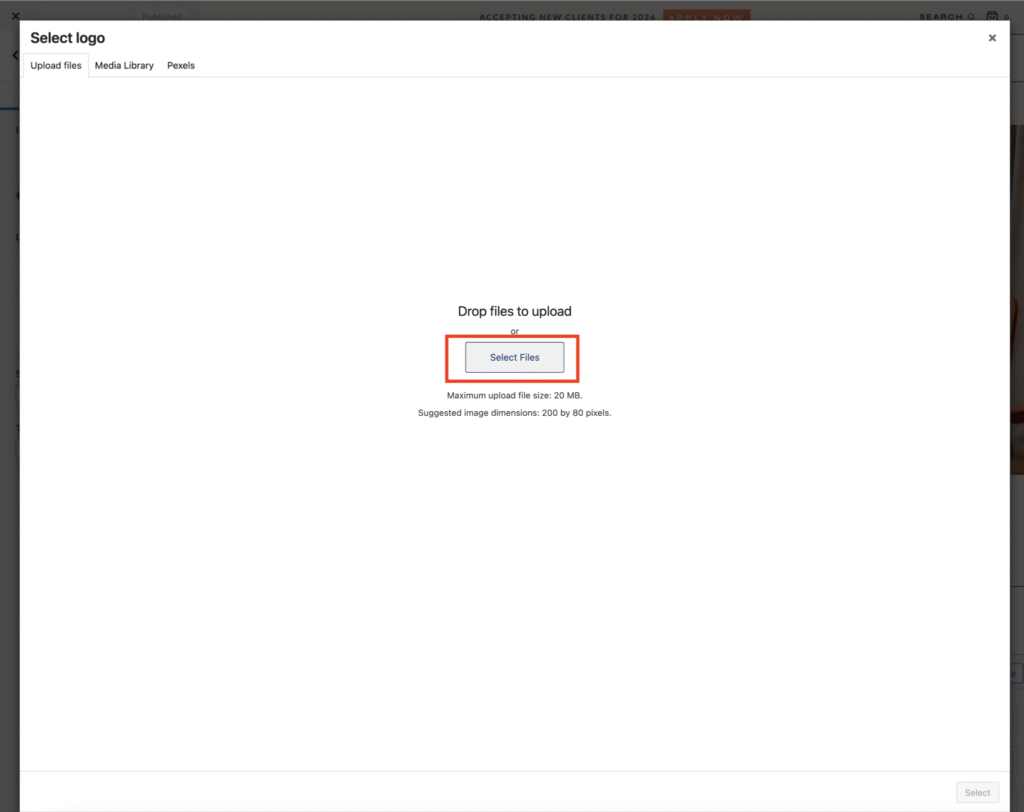
Upload your logo image (PNG or SVG is best for clarity) WordPress recommends dimensions should be 200 by 80 pixels.
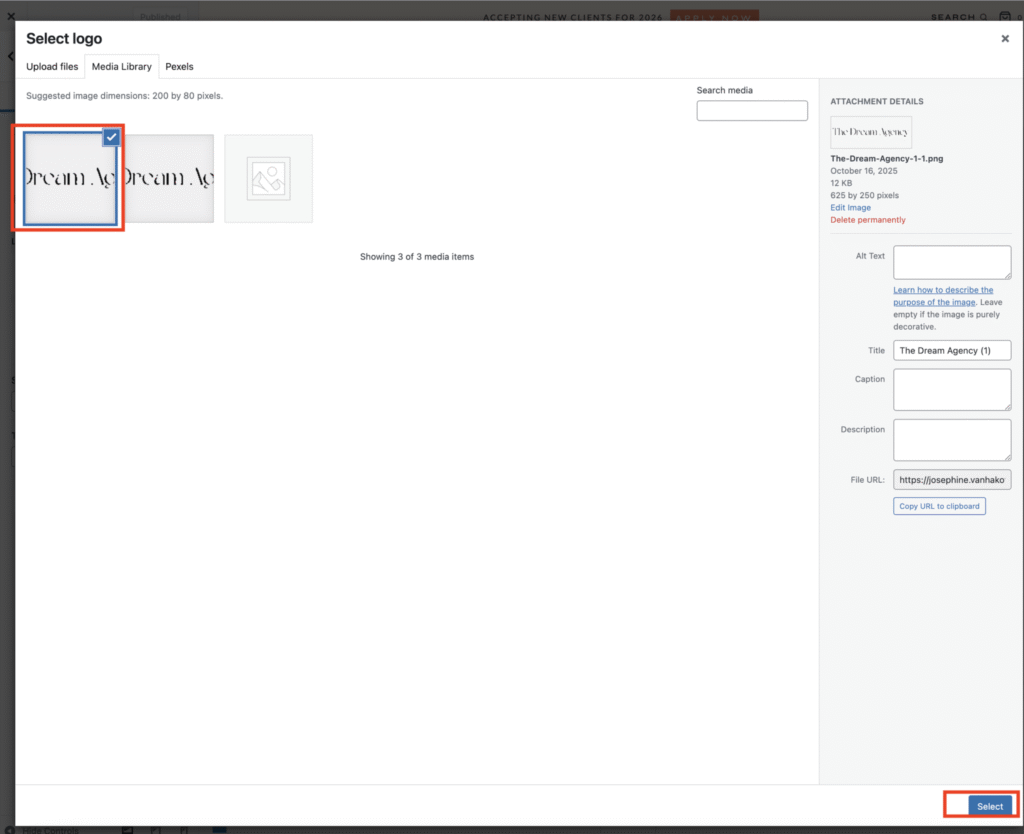
3. Adjust the width slider until it looks balanced in your header and click publish to save your changes.